
 25 June 2026
 Share
Share
1
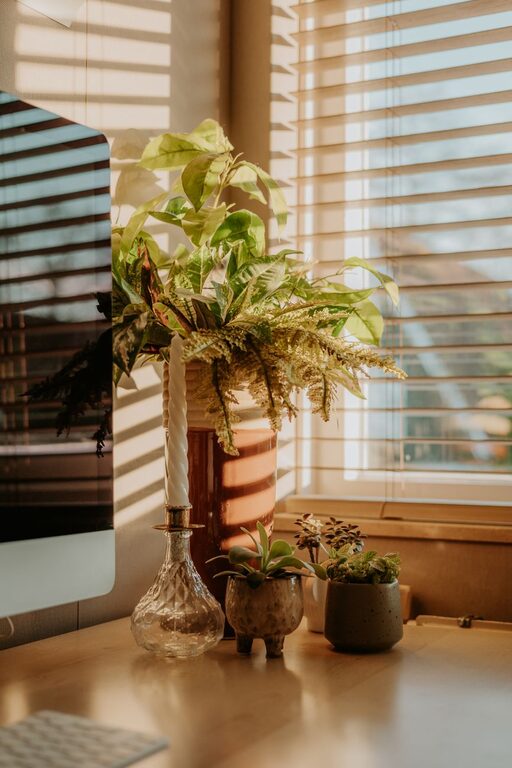
Creating a home office that feels cozy and boosts your productivity can make a big difference in how you work each day. Whether you’re new to working from home or looking to improve your current setup, combining comfort with efficiency is key. This guide offers practical tips to help you design a workspace that inspires focus and invites relaxation.
The first step in creating a productive home office is picking the best spot in your home.
– Quiet and Private: Select a space away from household traffic or noise to minimize distractions.
– Natural Light: If possible, choose a spot near a window. Natural light can improve mood and energy levels.
– Space for Essentials: Make sure there’s enough room for your desk, chair, and any additional equipment you need.
Comfort is essential when you spend hours at your desk. Ergonomic furniture supports your body and helps prevent strain.
– Adjustable Chair: A chair with good lumbar support and adjustable height helps maintain proper posture.
– Desk Height: Your desk should allow your forearms to rest parallel to the floor while typing.
– Footrest: If your feet don’t comfortably reach the ground, a footrest can improve circulation.
Clutter can make it harder to focus. Keeping your space tidy helps clear your mind.
– Use Storage Solutions: Shelves, drawers, and organizers keep supplies within reach and off your desk.
– Daily Clean-Up: Take a few minutes at the end of each day to put things back in order.
– Minimalism: Only keep essentials on your desk to reduce distractions.
Adding personal touches makes your office feel welcoming without compromising professionalism or focus.
– Plants: Small indoor plants can improve air quality and add a calming natural element.
– Artwork or Photos: Choose images that inspire or relax you.
– Colors: Use calming colors like soft blues or greens, or energizing shades like yellows, depending on your preference.
Proper lighting reduces eye strain and creates a pleasant atmosphere.
– Combine Natural and Artificial Light: Use adjustable lamps to complement daylight.
– Task Lighting: A desk lamp can provide focused light for reading or detailed work.
– Avoid Glare: Position screens and lighting to prevent reflections that can cause headaches.
Your devices are essential tools, so set them up thoughtfully.
– Screen Positioning: Place monitors at eye level to avoid neck strain.
– Cable Management: Use clips or sleeves to keep cords neat and prevent tangling.
– Reliable Internet: Ensure your Wi-Fi or wired connection is strong for uninterrupted work.
Your environment should support not only work but restful breaks.
– Dedicated Break Area: If space allows, have a spot to step away from your desk.
– Comfort Items: Keep a water bottle, healthy snacks, and perhaps a cozy blanket nearby.
– Set Boundaries: Define work hours and communicate them to people in your household.
A comfortable atmosphere helps maintain focus and prevents fatigue.
– Ventilation: Open windows when possible or use an air purifier.
– Temperature Control: Use fans or heaters to keep the space comfortable throughout the seasons.
Sound can either support your concentration or disrupt it.
– Noise-Canceling Headphones: Great for blocking out household noise.
– Background Music or White Noise: Some people work better with gentle music or ambient sounds.
Designing a home office that is both cozy and productive is all about balance. By selecting the right location, investing in ergonomic furniture, organizing your space, and personalizing it thoughtfully, you create an environment that supports your best work. Remember, small changes can make a big difference in how you feel and perform each day.
Take your time to experiment and find what makes you most comfortable and focused. Your ideal home office is within reach!
