 25 June 2026
 Share
Share
1
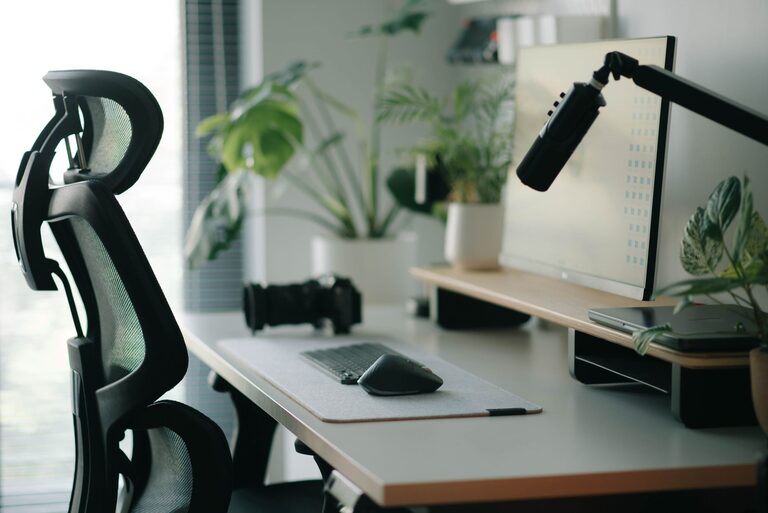

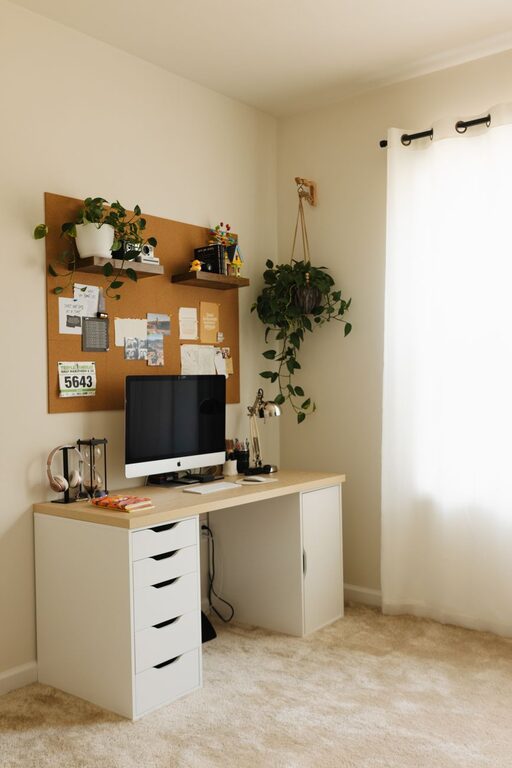
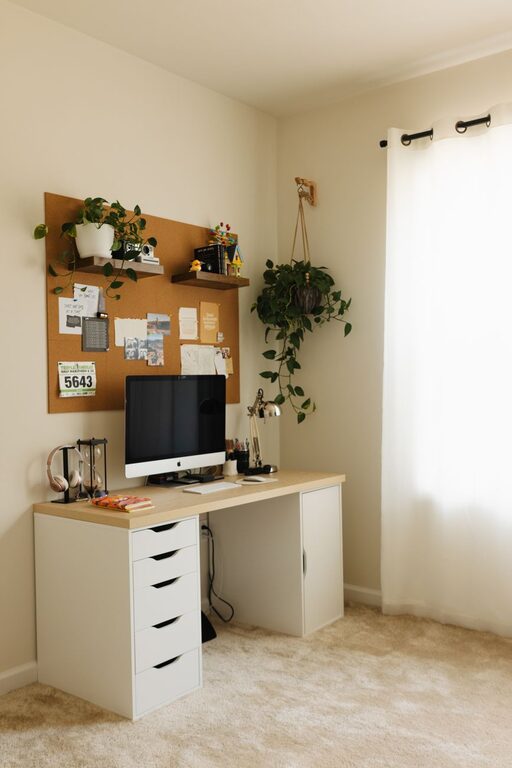
Creating a home office that balances functionality with comfort can greatly improve your productivity and overall well-being. Whether you’re working from home full-time or just need a dedicated space for tasks, a thoughtfully designed office helps you stay focused and feel relaxed. Here are practical tips to help you create a cozy, efficient workspace that meets your needs.
Your home office location sets the foundation for a productive workspace. Here are some factors to consider:
– Natural Light: Pick a spot with plenty of natural light to help reduce eye strain and boost your mood. A space near a window is ideal.
– Quiet Environment: Choose an area away from loud noises or high-traffic zones to minimize distractions.
– Space Availability: Ensure you have enough room for your desk, chair, and any storage solutions you need while still feeling comfortable moving around.
If space is limited, consider creative areas like a corner in the living room or a section of your bedroom that can be dedicated to work.
Comfort is key in avoiding fatigue during long work hours.
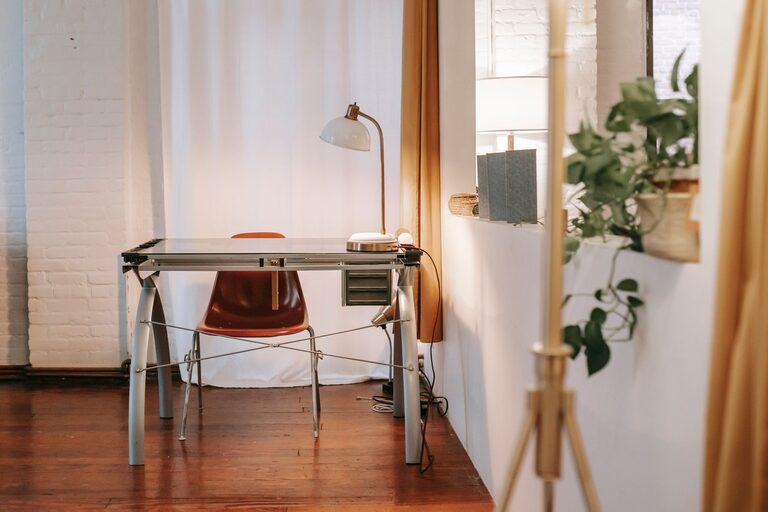
– Desk: Opt for a desk size that fits your equipment without overcrowding. Adjustable desks that switch from sitting to standing positions are a great option.
– Chair: Select an ergonomic office chair that supports your back and promotes good posture. Adjustable features for height and lumbar support are important.
– Accessories: Consider wrist rests, footrests, or keyboard trays if needed to reduce strain.
Setting up furniture properly can prevent discomfort and improve focus.
Good lighting reduces eye strain and creates an inviting atmosphere.
– Natural Light First: Use sheer curtains or blinds to control glare but keep the room bright.
– Task Lighting: Add a desk lamp with adjustable brightness for focused work during early mornings or evenings.
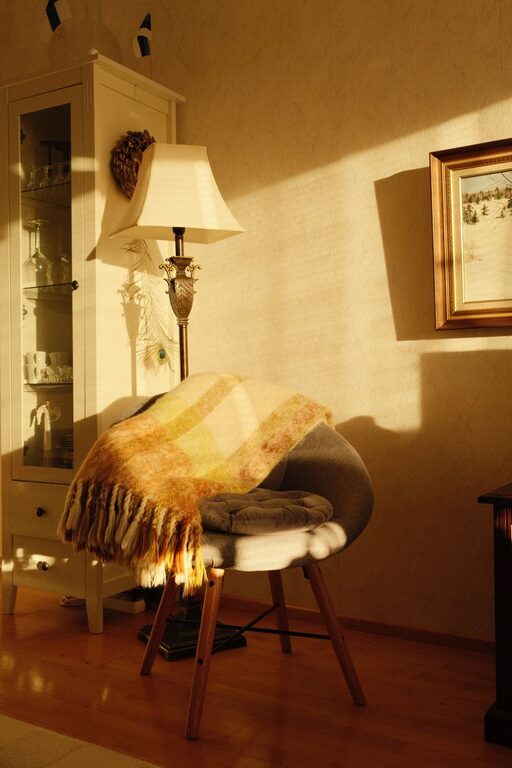
– Ambient Lighting: Soft overhead lights or floor lamps can make the space feel cozier without being harsh.
Layering different light sources makes your office flexible for various tasks and moods.
A clutter-free and organized space helps keep your mind clear.
– Storage Solutions: Use shelves, filing cabinets, and drawer organizers to keep documents and supplies tidy.
– Desk Organization: Keep only essential items on your desk to reduce distractions.
– Cable Management: Use clips, sleeves, or boxes to keep cords untangled and out of sight.
Develop a habit of clearing your workspace at the end of each day for a fresh start tomorrow.
Adding touches that make the space feel welcoming can boost your comfort and creativity.
– Soft Textiles: Incorporate cushioned chair pads, a throw blanket, or an area rug.
– Plants: Indoor plants improve air quality and add life to the room.
– Artwork and Photos: Display artwork or pictures you love to inspire and brighten your space.
– Colors: Choose calming colors like soft blues, greens, or neutrals to create a relaxing environment.
Personal touches make your office a pleasant place you want to spend time in.
Creating boundaries between your work and home life helps maintain focus.
– Door or Divider: If possible, choose a room with a door or use a screen to separate the office visually.
– Noise Control: Use noise-cancelling headphones or white noise machines if external sounds are unavoidable.
– Set Work Hours: Establish consistent work times and communicate these to housemates or family.
A focused environment supports better productivity and helps manage stress.
Equip your office with tools that streamline your work processes.
– Reliable Internet: Ensure good Wi-Fi speed to avoid connectivity issues.
– Monitor Setup: Consider a second monitor for multitasking efficiency.
– Charging Stations: Keep chargers and power banks handy to maintain device readiness.
– Cable Management: Organize wires to keep the space neat and avoid hazards.
Keep technology updated and softwarized to avoid unexpected downtime.
Comfort can sometimes come down to small conveniences:
– Water Bottle: Stay hydrated by keeping water nearby.
– Snacks: Healthy snacks within reach help maintain energy.
– Temperature Control: Use fans, heaters, or humidifiers to keep the room comfortable year-round.
Comfort breaks are essential for sustained focus.
Setting up a functional and cozy home office requires thoughtfulness about your needs and environment. Prioritize comfort, organization, and a personalized touch to create a space that encourages productivity and well-being. With the right setup, your home office can become a favorite place to work and grow.