 25 June 2026
 Share
Share
1
Creating a home workspace that feels both cozy and productive can make a huge difference in how you manage your tasks and enjoy your time working from home. Whether you’re a freelancer, remote employee, or working on personal projects, having a dedicated space that inspires focus and comfort is key. In this post, we’ll explore practical tips to help you design a home workspace that looks inviting and supports your productivity.
The first step in setting up your workspace is picking the right spot in your home. Ideally, select an area that’s quiet and has limited foot traffic to minimize distractions.
– Natural light: Try to position your desk near a window. Natural light can improve mood and energy levels.
– Distance from noise: Avoid areas close to loud appliances or busy rooms.
– Space to work: Make sure you have enough room for your desk, chair, and necessary equipment.
If space is limited, even a small corner with a comfortable chair and laptop stand can work well.
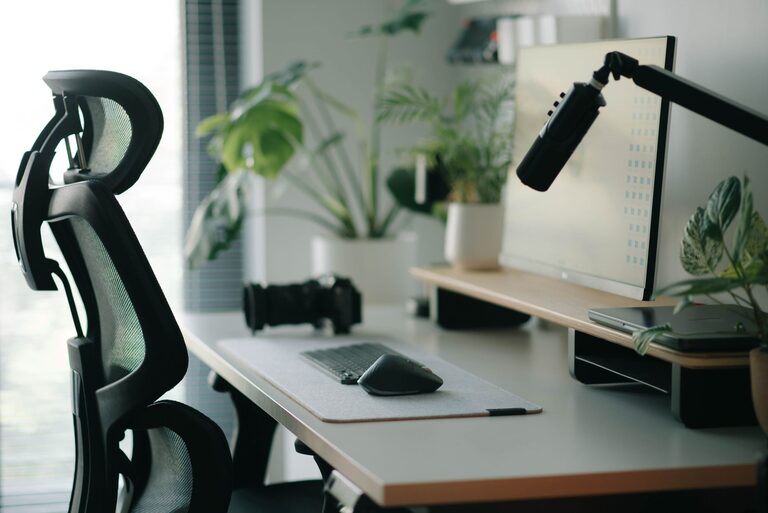
Comfort is crucial to sustaining productivity during long work sessions. Ergonomic furniture will protect your posture and reduce strain.
– Ergonomic chair: Look for chairs that support your lower back and allow your feet to rest flat on the floor.
– Desk height: Your desk should allow your arms to rest comfortably at a 90-degree angle.
– Monitor position: Keep your monitor at eye level to avoid neck strain.
– Accessories: Consider a footrest, wrist rest, or ergonomic keyboard if needed.
Adjusting these elements to fit your body properly will help prevent discomfort and improve concentration.
Clutter can quickly distract and overwhelm you. A neat and organized workspace promotes clarity and focus.
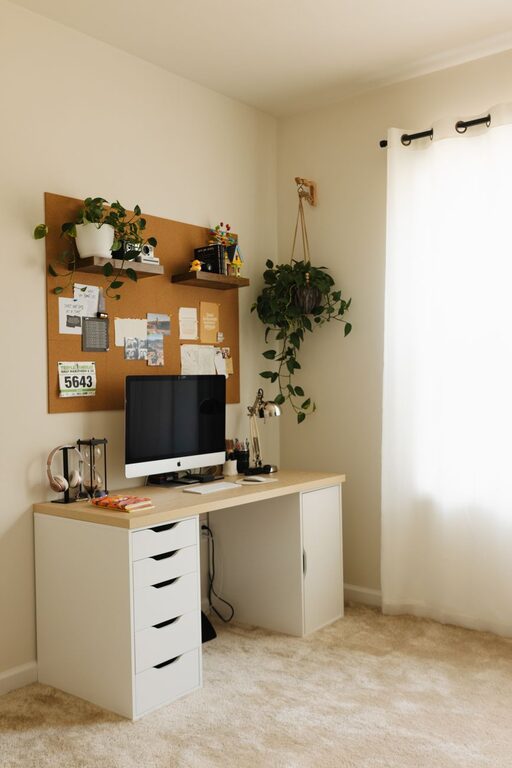
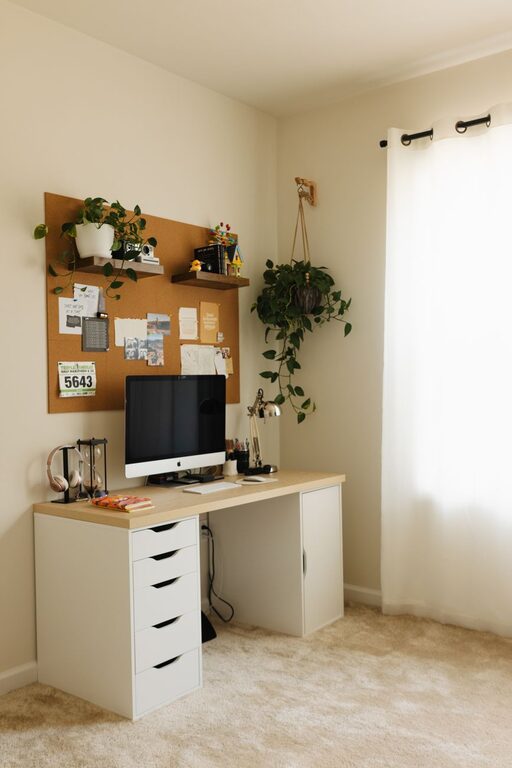
– Storage solutions: Use shelves, bins, or filing cabinets to keep documents and supplies tidy.
– Cable management: Use clips or ties to keep cords neat and out of the way.
– Daily tidying: Spend a few minutes at the end of each day clearing your desk.
Having everything in its place means less time searching for items and more time being productive.
Adding personal touches can make your workspace feel inviting without compromising professionalism.
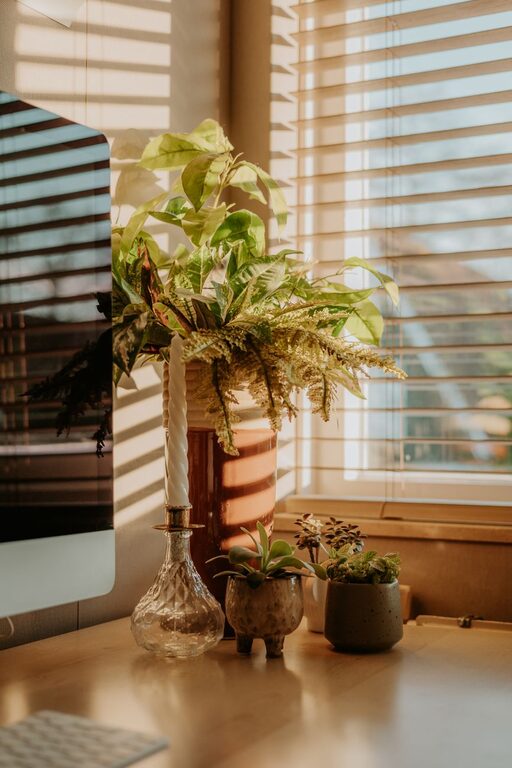
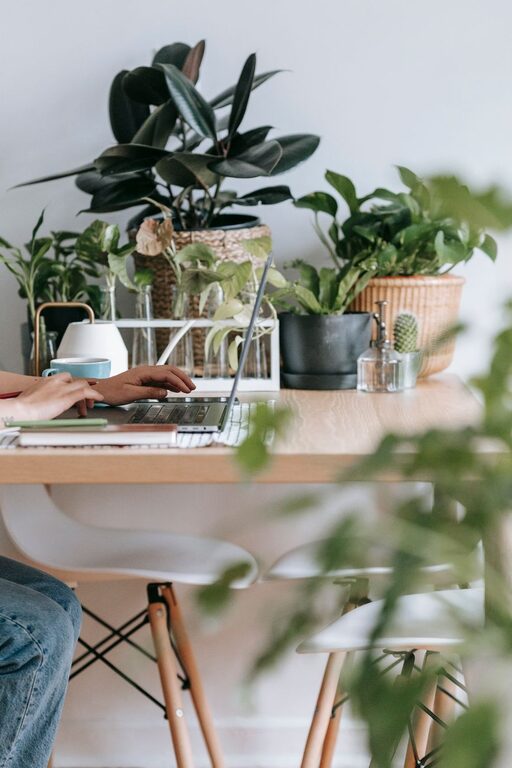
– Plants: Small indoor plants improve air quality and add a calming touch.
– Artworks or photos: Choose items that inspire or motivate you.
– Colors: Use colors that energize or soothe you, whether through wall paint, accessories, or desk items.
Personalization helps your workspace feel uniquely yours, making work feel less like a chore.
Good lighting reduces eye strain and keeps you alert.
– Layered lighting: Combine natural light with overhead and task lighting.
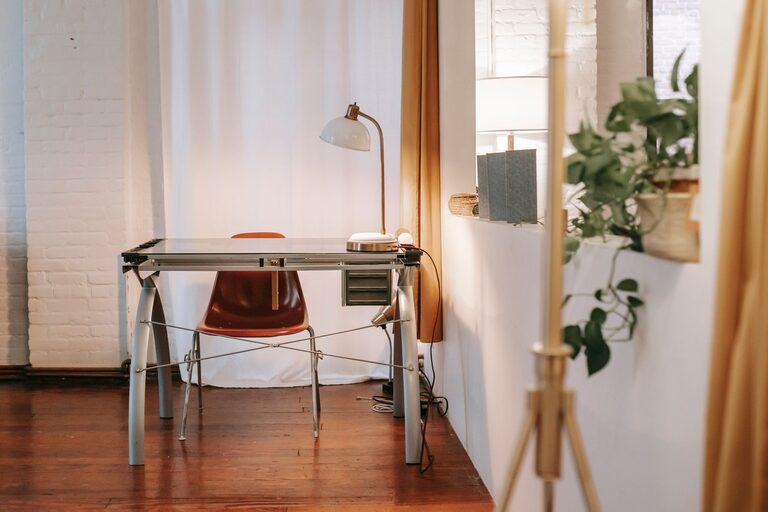
– Adjustable desk lamp: A focused light source helps when working in the evening or on detailed tasks.
– Avoid glare: Position screens and lights so that glare is minimized.
Proper lighting supports comfort and productivity throughout your workday.
To maintain focus, it’s helpful to reduce distractions in your workspace.
– Noise control: Use noise-canceling headphones or soft background music if needed.
– Limit phone use: Keep your phone out of immediate reach or on silent during working periods.
– Set boundaries: Inform others in your home of your work schedule to minimize interruptions.
Establishing clear boundaries helps your brain switch into work mode more easily.
Even in small spaces, it’s important to have areas or routines that allow for movement and breaks.
– Stretch regularly: Set reminders to stand up and stretch every hour.
– Separate break space: If possible, step away from your desk during breaks.
– Use standing desks or adjustable setups: Alternating between sitting and standing can boost energy.
Moving regularly helps prevent fatigue and maintains overall well-being.
Technology is a core part of most home workspaces, but it should serve to enhance productivity, not hinder it.
– Organized digital files: Keep your computer desktop and files organized.
– Reliable internet: Ensure your connection is stable and fast enough for your needs.
– Productivity apps: Use apps for task management, time tracking, and minimizing distractions.
Choosing the right tools can streamline work and manage time more effectively.
—
By thoughtfully designing your home workspace with comfort, organization, and your personal preferences in mind, you can create an environment that supports both coziness and productivity. Small changes can have a significant impact on your workday experience. Take the time to build a space where you enjoy spending time and can do your best work.